AI for Time Management: Schedule, Prioritize, Stay Focused

How can AI be used for time management?
AI can be used for time management by taking over the small, repetitive decisions that drain your day—like scheduling, prioritizing, and tracking where time actually goes—so your attention stays on the work that matters. Instead of relying on willpower alone, you can set up AI systems that monitor your calendar, suggest realistic plans, and automatically adjust when plans change.
Automate scheduling and reduce back-and-forth
AI scheduling assistants can scan your availability, time zones, and meeting preferences to propose slots, send invites, and reschedule when conflicts appear. This helps prevent “calendar creep,” where meetings silently overtake focus time. If you’re coordinating across locations, AI can also flag unreasonable meeting times and propose alternatives that protect sleep and recovery.
Turn priorities into a workable daily plan
AI can break down a long to-do list into a time-blocked plan by estimating effort, grouping similar tasks, and placing deep work during your best hours. It can also create “if-then” fallback plans (for example, if a client call runs long, which tasks should move and which must stay). That kind of automatic rebalancing keeps the day from collapsing when one thing slips.
Protect focus with smarter boundaries
AI tools can silence non-urgent notifications, batch email checks, and summarize long message threads so you can respond faster without losing context. Some can detect patterns—like frequent interruptions at a certain hour—and recommend shifting meetings or setting a recurring do-not-disturb block to preserve momentum.
Measure time honestly and improve week over week
Time tracking is easier when AI categorizes activities from calendar events, app usage, and task logs, then highlights where time leaks happen. With a simple weekly review, you can spot what consistently overruns, refine your estimates, and right-size commitments.
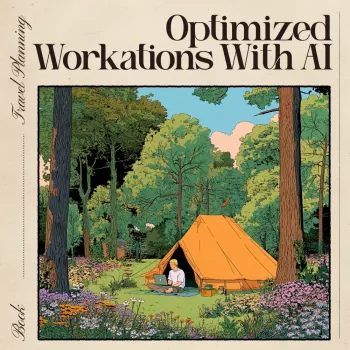
For practical ways to use AI to plan around time zones, protect focus, and build recovery into your schedule, see this AI workation planning guide.
FAQ
What are the best AI tools for planning a workation across time zones?
Look for tools that combine time-zone aware scheduling, calendar automation, and focus-friendly time blocking. The most helpful options also support recovery planning—like buffer time, realistic meeting windows, and reminders to protect downtime.















Leave a comment
You must be logged in to post a comment.