Best Free AI for Summarizing PDFs: ChatGPT vs Claude
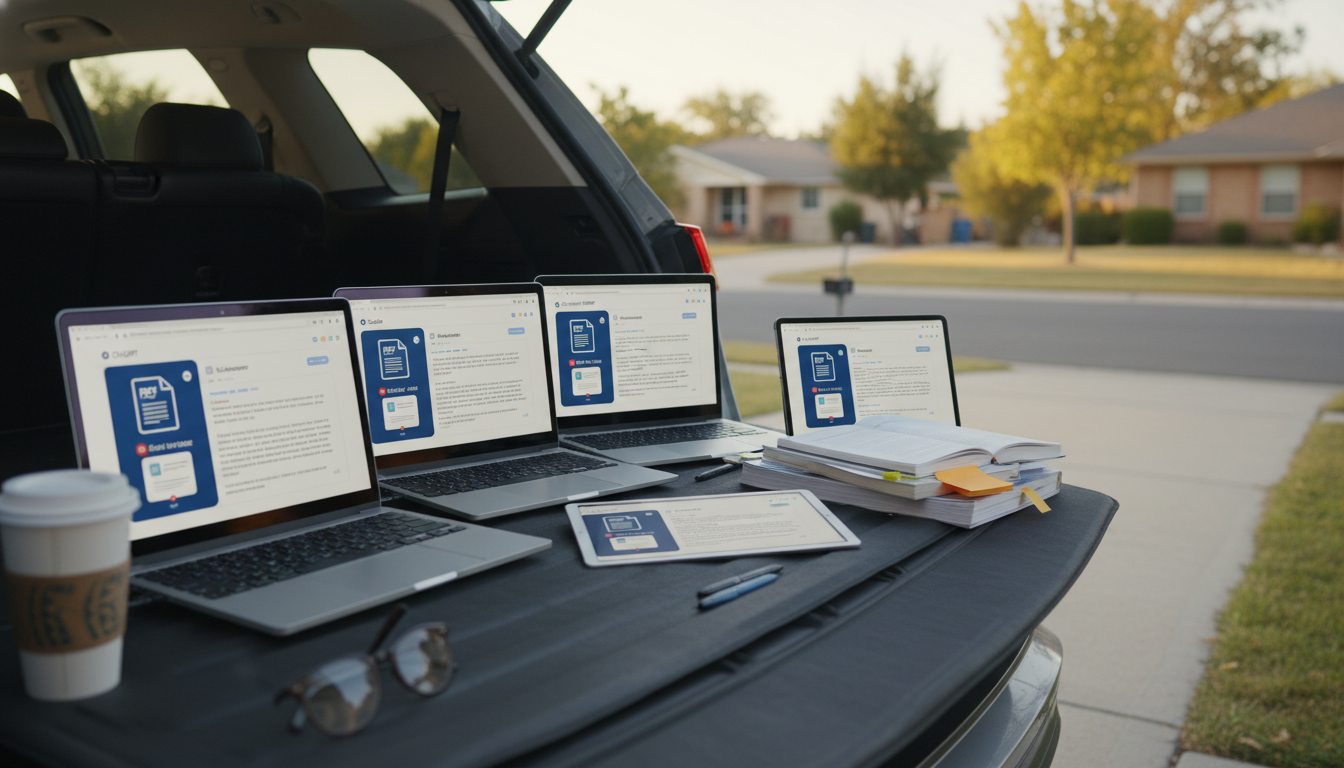
Which AI is best for summarizing PDFs for free?
The best free option for summarizing PDFs is the AI you can use consistently without hitting paywalls too quickly, while still producing accurate, structured takeaways. For most shoppers, students, and busy professionals, ChatGPT (free tier) is the easiest starting point because it can generate clean summaries, bullet points, and action items from pasted text. If the PDF is long, a strong runner-up is Claude’s free tier, which often handles larger chunks of text well when you paste sections at a time.
Best “free” choice for typical PDFs: ChatGPT (free tier)
If your PDF is short (a few pages) or you only need key sections summarized, ChatGPT is usually the most straightforward: copy the text from the PDF and ask for a decision-ready summary (key points, risks, numbers, and next steps). The main limitation is that free usage can be capped and very long documents may require splitting into parts.
Best for longer copy-paste chunks: Claude (free tier)
Claude can be a great free alternative when you need to paste bigger sections at once and keep the tone neutral. It’s helpful for summarizing reports, policies, or academic-style writing, then turning the result into clear “what matters” bullets.
Best “upload a PDF” experience: often not fully free
Tools that let you upload PDFs directly (instead of copy/paste) are convenient, but many place uploads behind subscriptions or limited trials. If upload is a must, check the current limits carefully before committing time to a workflow.
A repeatable way to get better summaries (even on free tiers)
Quality depends less on the tool name and more on the method: extract the text, summarize in sections, then ask for a final combined summary with decisions, key metrics, and open questions. For a practical workflow that produces consistent, decision-ready results, see the full guide here: AI summaries that stick: a repeatable workflow for decision-ready summaries.
FAQ
How do you summarize a long PDF without uploading it?
Copy the text in chunks (by heading or page range), summarize each chunk, then ask the AI to merge the partial summaries into one final set of key takeaways, decisions, and next steps.
















Leave a comment
You must be logged in to post a comment.