Using a Dell Dock as a USB Hub: What to Check
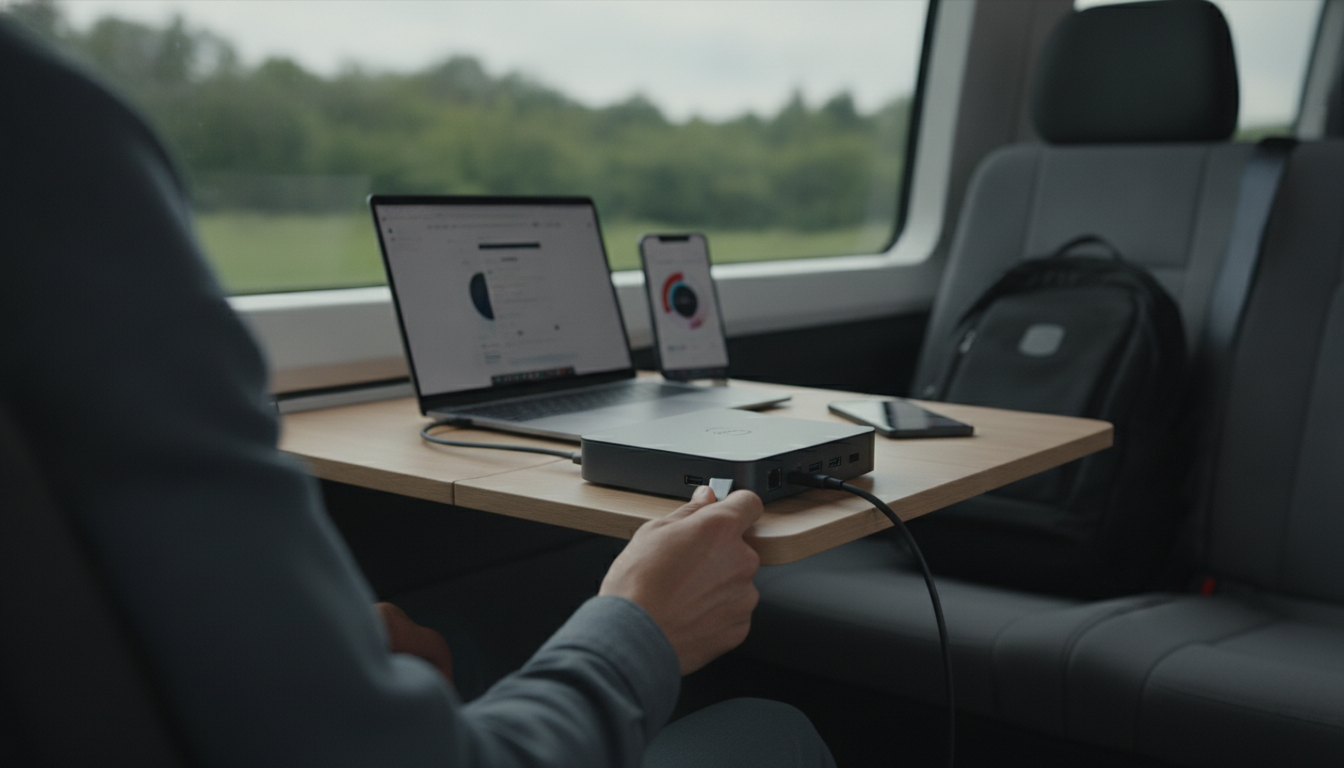
Can I use a Dell docking station as a USB hub?
Yes—most Dell docking stations can function as a USB hub, even if you don’t use every docking feature. When connected to your laptop via USB-C (or Thunderbolt, depending on the model), the dock’s USB ports typically act like a powered hub, letting you plug in a keyboard, mouse, external drive, webcam, or other USB accessories through a single cable.
How it works (and when it doesn’t)
A Dell dock is essentially a multiport adapter with extra capabilities. If your computer supports USB-C with data, the dock can pass USB signals to its downstream ports. If your laptop also supports USB-C DisplayPort Alt Mode and/or Thunderbolt, you’ll unlock video outputs and higher-bandwidth features.
Limitations usually come from the laptop port, not the dock. For example, a USB-C port that’s “charging-only” won’t carry data to the dock’s USB ports. And older systems that connect via a proprietary dock connector (or require special drivers) may not behave like a simple plug-and-play USB hub.
What to check before relying on it as a hub
1) Connection type: Identify whether your Dell dock uses USB-C, Thunderbolt, or a proprietary connector. USB-C/Thunderbolt docks are the most likely to work broadly as hubs.
2) Laptop port capabilities: Confirm your laptop’s USB-C port supports data. If you want monitors through the dock, it must also support DisplayPort Alt Mode or Thunderbolt.
3) Power and stability: Many Dell docks provide power delivery, which is great for keeping a laptop charged while running multiple peripherals. For high-draw devices (portable HDDs, capture cards), a powered dock is often more reliable than a small bus-powered hub.
A simpler alternative when you only need extra ports
If you primarily need more ports (USB-A, HDMI, SD, Ethernet) without brand-specific docking features, a compact multiport hub may be a better fit for travel and cross-device compatibility. For a practical overview of an “everything through one cable” setup, see this guide: 11-in-1 USB-C hub docking station guide.
FAQ
Will a USB-C hub charge my laptop and power my peripherals at the same time?
Many USB-C hubs support pass-through charging (Power Delivery), but the hub’s wattage limit and your laptop’s requirements must match. Peripherals may still need their own power if they draw more than the hub can supply.














Leave a comment
You must be logged in to post a comment.