USB-C Docking Station: When It’s Worth the Money
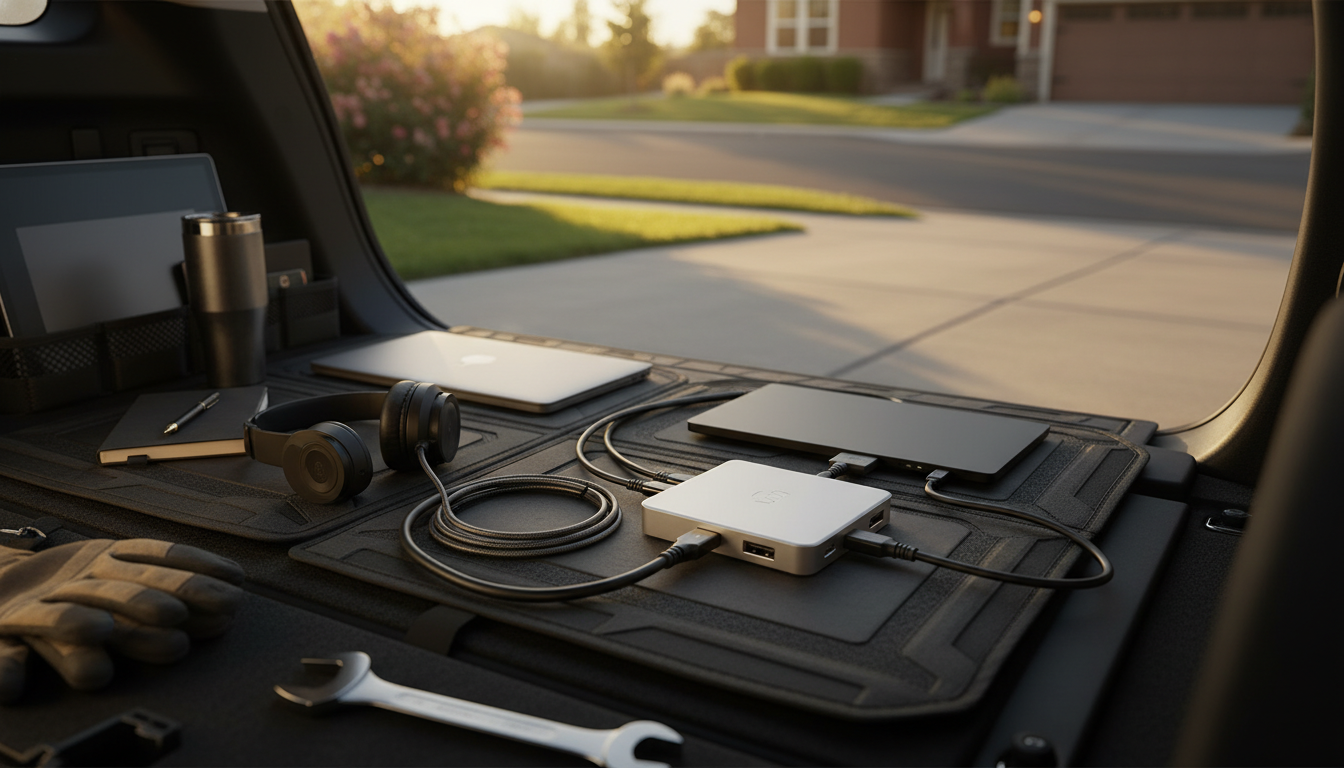
Is a USB-C docking station worth buying?
A USB-C docking station is worth buying if it solves a real bottleneck: too few ports, too many cables, or a desk setup that needs a monitor, wired internet, and reliable charging at the same time. Instead of juggling separate adapters for HDMI, USB-A, SD cards, and power, a dock lets one USB-C connection turn a laptop into a full workstation in seconds.
When it’s a smart purchase
A docking station pays off quickly for hybrid workers and students who plug in and out daily. One-cable docking reduces wear on laptop ports, makes your workspace cleaner, and cuts the time spent reconnecting peripherals. It’s also a practical upgrade for thin-and-light laptops that dropped legacy ports—especially if you rely on a full-size keyboard and mouse, external storage, or a second screen.
What benefits matter most
Look for the features that match how you work. If you use an external monitor, prioritize stable video output (often HDMI and/or DisplayPort). If you transfer photos or video, built-in SD/microSD slots and fast USB ports matter. If you want a single cable for power too, choose a dock that supports USB-C Power Delivery so your laptop stays charged while connected. Some models also add Ethernet, which can be a noticeable upgrade over spotty Wi-Fi for calls and large uploads.
When you can skip it
If you only occasionally need one extra port, a small multiport USB-C adapter may be enough. Also, if your laptop lacks USB-C with video output (Alt Mode) or has limited power input support, a docking station may not deliver the monitor-and-charge convenience you expect. Checking your laptop’s USB-C capabilities before buying prevents disappointment.
How to choose the right dock
Match the dock to your device, monitor resolution, and desk needs. If you want a deeper look at common port combinations and what an all-in-one setup can replace, see this guide: 11-in-1 USB-C hub docking station guide.
FAQ
What should I look for in a USB-C docking station?
Start with the ports you actually use (monitor output, USB-A, SD, Ethernet) and confirm Power Delivery wattage matches your laptop’s charging needs. Also verify your laptop supports USB-C video output if you plan to connect external displays.
















Leave a comment
You must be logged in to post a comment.