Free Home Visualizer AI: What You Get & Better Results
Is there a free home visualizer AI?
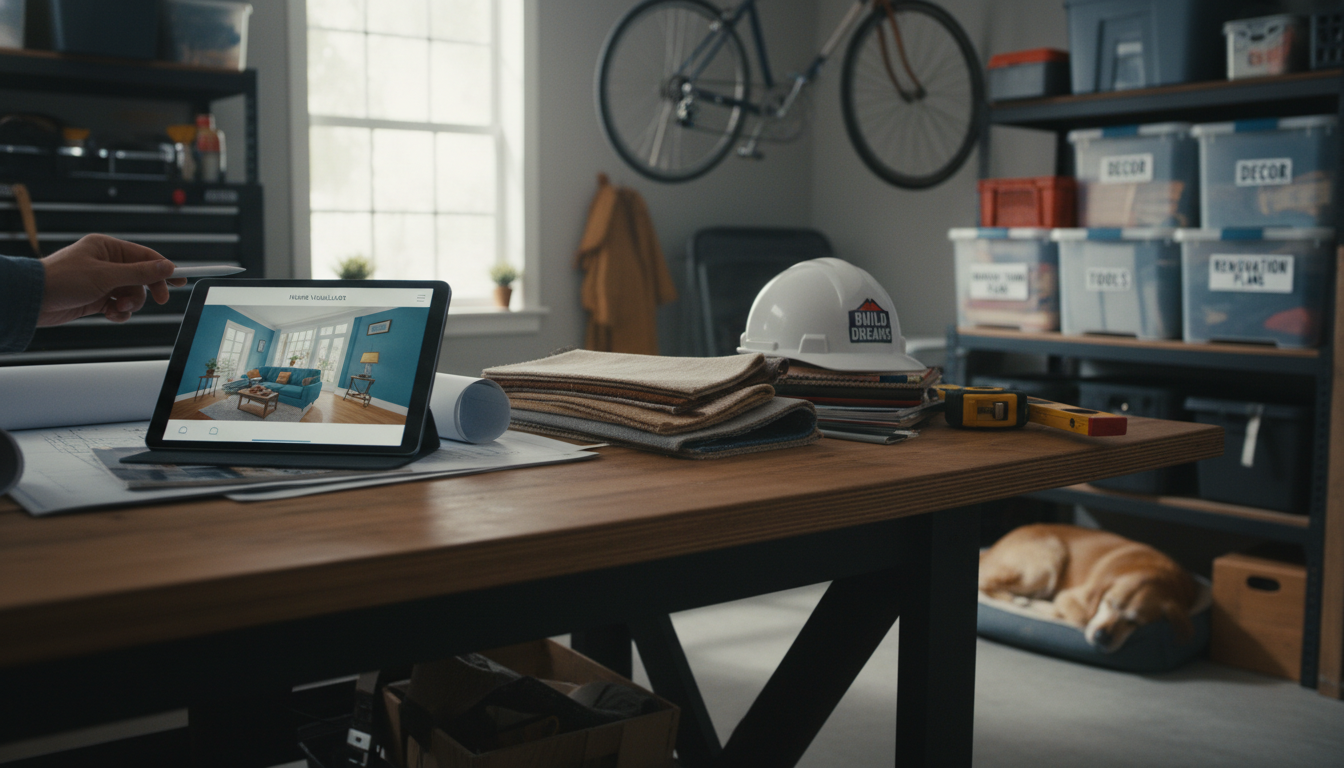
Yes—there are free home visualizer AI options, usually offered as web apps, mobile apps, or “free tiers” inside paid platforms. Most let you upload a photo of your room (or start with a template), then preview style changes like paint colors, furniture swaps, lighting mood, and décor themes. The tradeoff is that free versions often limit the number of renders per day, watermark downloads, restrict premium styles, or cap image resolution.
What “free” typically includes
A no-cost home visualizer AI commonly supports basic room staging: generating a few design variations from a single photo, trying different color palettes, and experimenting with layouts using simple drag-and-drop or automatic suggestions. Many also provide curated style presets (modern, cozy, minimalist, boho) so you can test a direction quickly before spending time or money.
Where free tools fall short
If you need precise measurements, true-to-scale floor planning, or accurate product matching, free AI visualizers may feel more inspirational than exact. Image-based tools can misread room dimensions, distort angles, or “invent” furniture that looks great but doesn’t exist to purchase. For shopping decisions, look for tools that allow manual edits, let you lock key items in place, and support higher-resolution exports so finishes and textures are easier to judge.
How to get better results without paying
Start with a bright, straight-on photo taken at chest height, with clutter cleared so the AI can identify edges and surfaces. Generate multiple variations, then mix and match: keep the layout from one render, the palette from another, and the lighting idea from a third. Also, save your favorite versions side-by-side so you can spot what’s actually improving the room rather than chasing random changes.
For a practical approach to turning AI ideas into a calm, livable space—plus DIY comfort upgrades and room-planning tips—visit this guide to resetting your home into a chill space.
FAQ
What should I upload to a home design AI for the most accurate preview?
Use a well-lit photo taken straight toward the main wall, with as much of the floor and ceiling visible as possible. Remove temporary clutter and avoid extreme wide-angle distortion so the tool can read corners and surfaces more reliably.














Leave a comment
You must be logged in to post a comment.